Match List-I with List-II
| List-I | List-II | ||
| (A) | Ranges | (I) | Holds either row or column constant when the formula or function is copied to another location |
| (B) | Mixed reference | (II) | Used when we want a cell reference to stay fixed on specific cell |
| (C) | Absolute reference | (III) | As a formula or function is copied and pasted to other cells, the cell references in the formula or function change to reflect the new location |
| (D) | Default reference | (IV) | Identified by cell references of the cells from the upper left to lower right |
Choose the correct answer from the options given below:
Answer & explanation
Correct answer: option 2
The correct answer is Option (2) → (A) - (IV), (B) - (I), (C) - (II), (D) - (III)
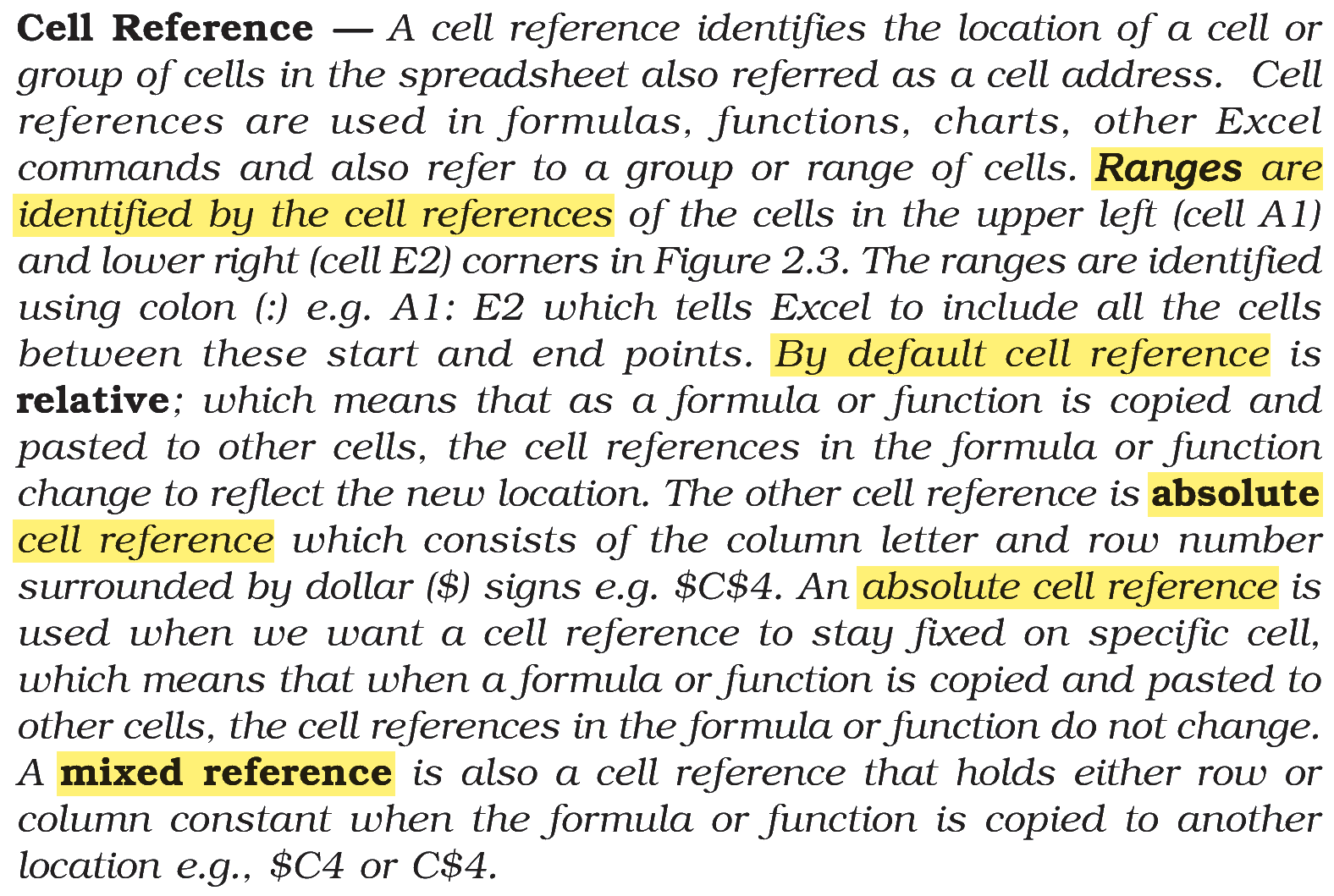
A cell reference can stay fixed, move with the formula, or do a bit of both when the formula is copied.
(A) Ranges — this matches (IV) Identified by cell references of the cells from the upper left to lower right. A range such as A1:E2 is named by its two corner cells.
(B) Mixed reference — this matches (I) Holds either row or column constant when the formula or function is copied. Only one part is fixed, as in $C4 or C$4.
(C) Absolute reference — this matches (II) Used when we want a cell reference to stay fixed on specific cell. Both the column and the row are fixed, as in $C$4.
(D) Default reference — this matches (III) the cell references change to reflect the new location. By default a reference is relative, so it moves with the formula.
NCERT (2026-27 edition):
|