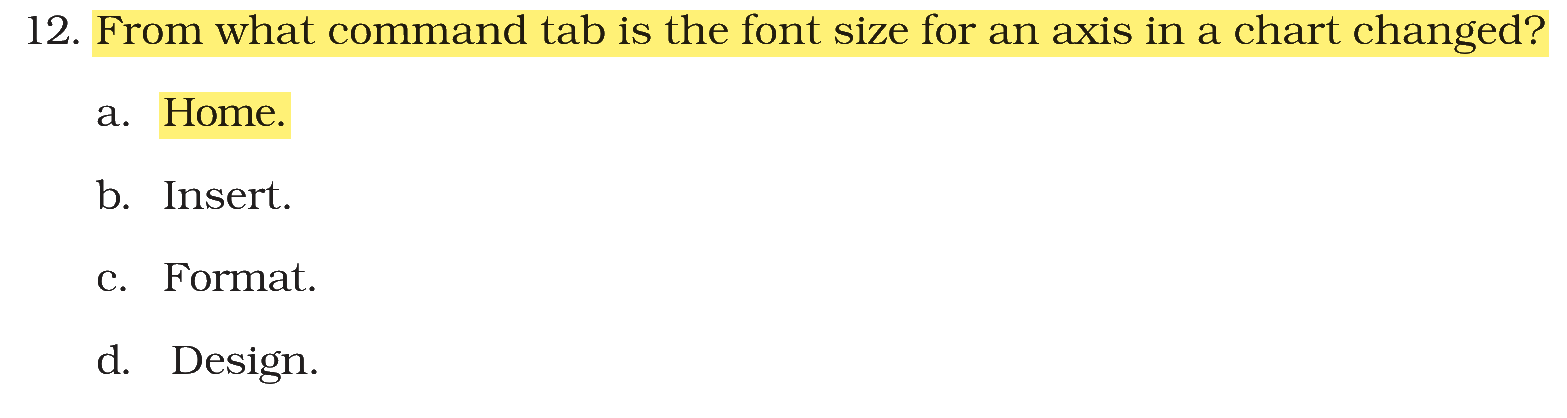
From Which command tab is the font size for an axis in a chart changed?
Answer & explanation
Correct answer: option 1
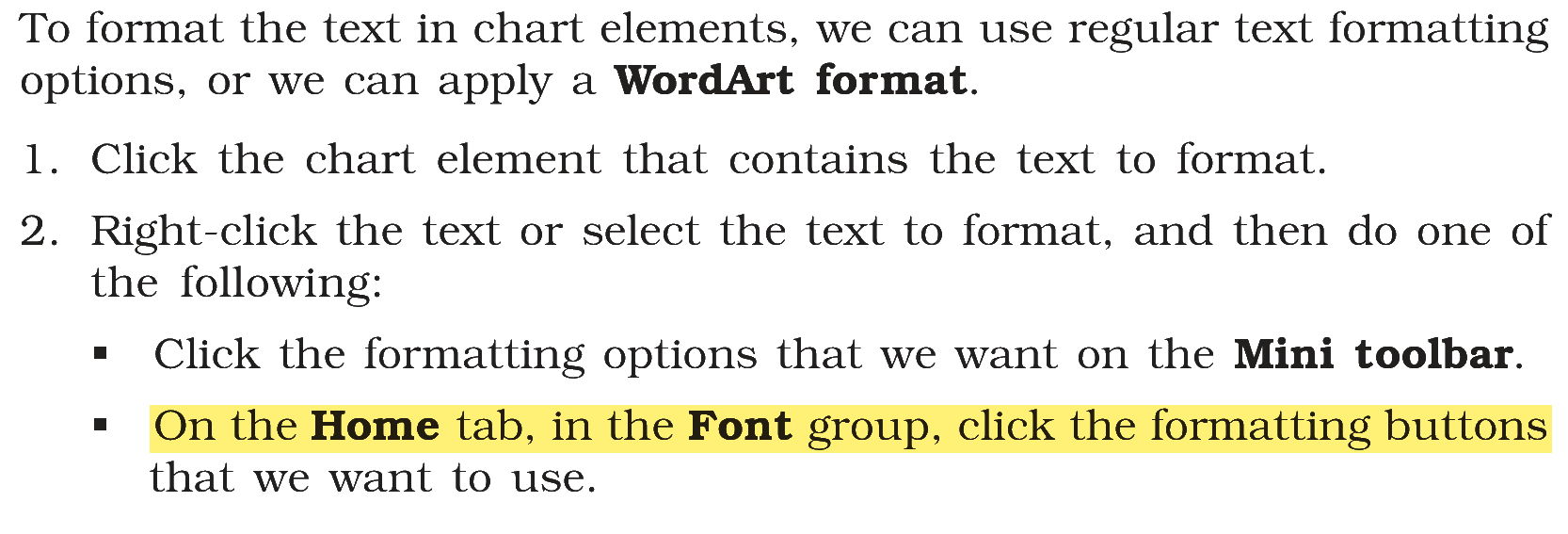
The correct answer is Option (1) → Home
The text in a chart element, such as an axis, is formatted like any other text: select the axis (or its text) and use the font size box in the Font group of the Home tab (the Mini toolbar that appears on right-clicking has the same buttons).
Option (2) Insert — Incorrect. The Insert tab is used to insert a chart, not to format its text.
Option (3) Format — Incorrect. The Chart Tools Format tab applies shape styles, WordArt styles and effects to chart elements; the font size is set in the Font group of the Home tab.
Option (4) Design — Incorrect. The Design tab changes the chart type, layout, style and data source.
NCERT (2026-27 edition):
NCERT (2026-27 edition):
NCERT (2026-27 edition):
|