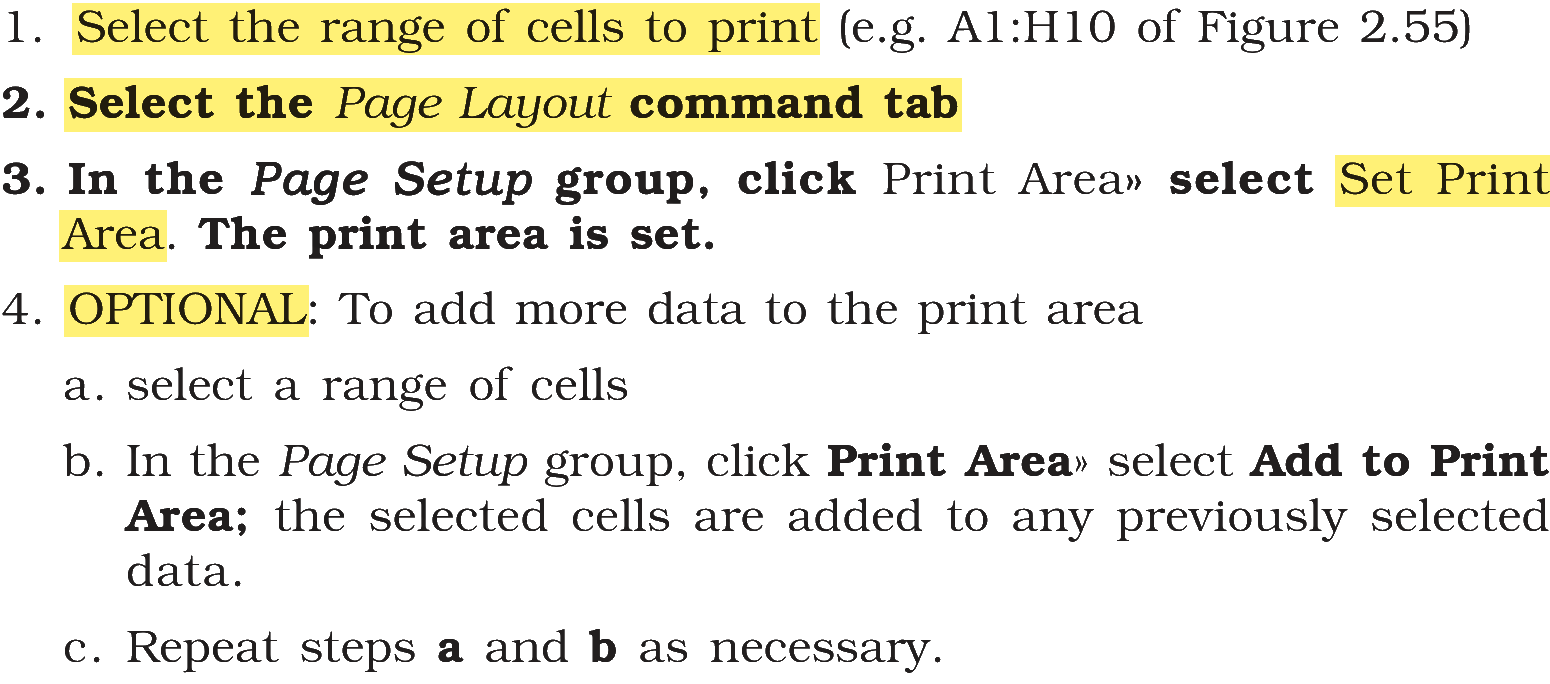
In order to set the print area using Print Area Option, arrange the following in a correct sequence.
(A) OPTIONAL: To add more data to the print area select a range of cells.
(B) Select the Page Layout command tab
(C) Select the range of cells to print
(D) In the Page Setup group, click Print Area» select Set Print Area. The print area is set
Choose the correct answer from the options given below:
Answer & explanation
Correct answer: option 1
The correct answer is Option (1) → (C), (B), (D), (A)
The print area is the range of cells Excel prints. The steps to set it with the Print Area option run in this order:
(C) Select the range of cells to print
(B) Select the Page Layout command tab
(D) In the Page Setup group, click Print Area» select Set Print Area. The print area is set
(A) OPTIONAL: To add more data to the print area select a range of cells.
NCERT (2026-27 edition):
|