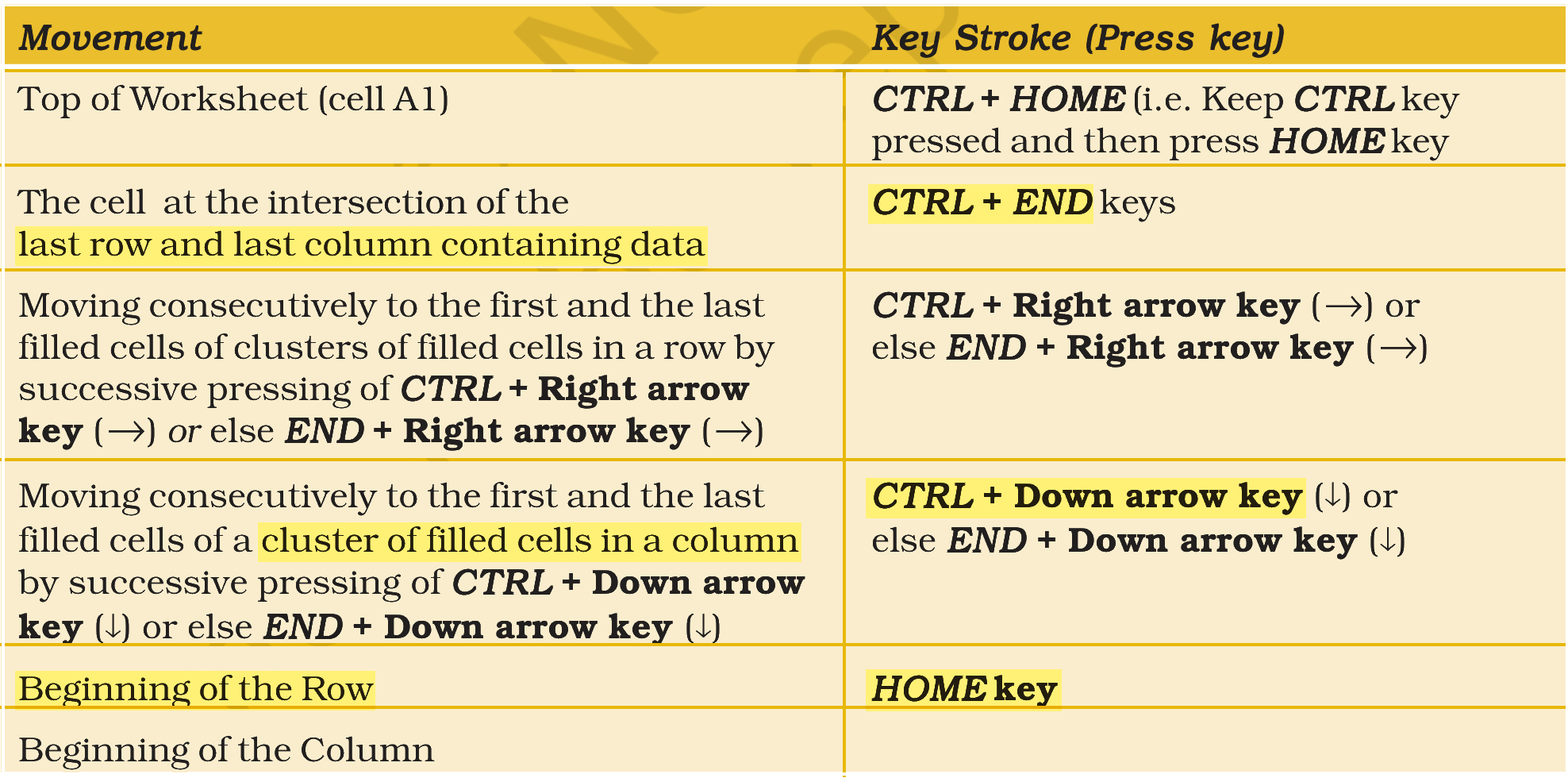
Match the LIST-I with LIST-II
| LIST-I Movement | LIST-II (Key Stroke (Press key)) | ||
|---|---|---|---|
| A. | Beginning of the Row | I. | CTRL + D |
| B. | Moving consecutively to the first and the last filled cells of a cluster of filled cells in a column by pressing of | II. | HOME key |
| C. | The cell at the intersection of the last row and last column containing data | III. | CTRL + Down arrow key |
| D. | Short-cut key to drag down | IV. | CTRL + END keys |
Choose the correct answer from the options given below:
Answer & explanation
Correct answer: option 4
The correct answer is Option (4) → A-II, B-III, C-IV, D-I
Each List-I item is a movement or action in a worksheet, and List-II gives the key or keys that do it.
(A) Beginning of the Row — this matches (II) HOME key. HOME takes the cursor to the first cell of the current row.
(B) Moving consecutively to the first and the last filled cells of a cluster of filled cells in a column by pressing of — this matches (III) CTRL + Down arrow key. Each press jumps to the next end of the filled block in that column.
(C) The cell at the intersection of the last row and last column containing data — this matches (IV) CTRL + END keys. It takes the cursor to the bottom-right corner of the data in the sheet.
(D) Short-cut key to drag down — this matches (I) CTRL + D. It fills the selected cells with the content of the cell above, which is what dragging the fill handle down does.
NCERT (2026-27 edition):
|