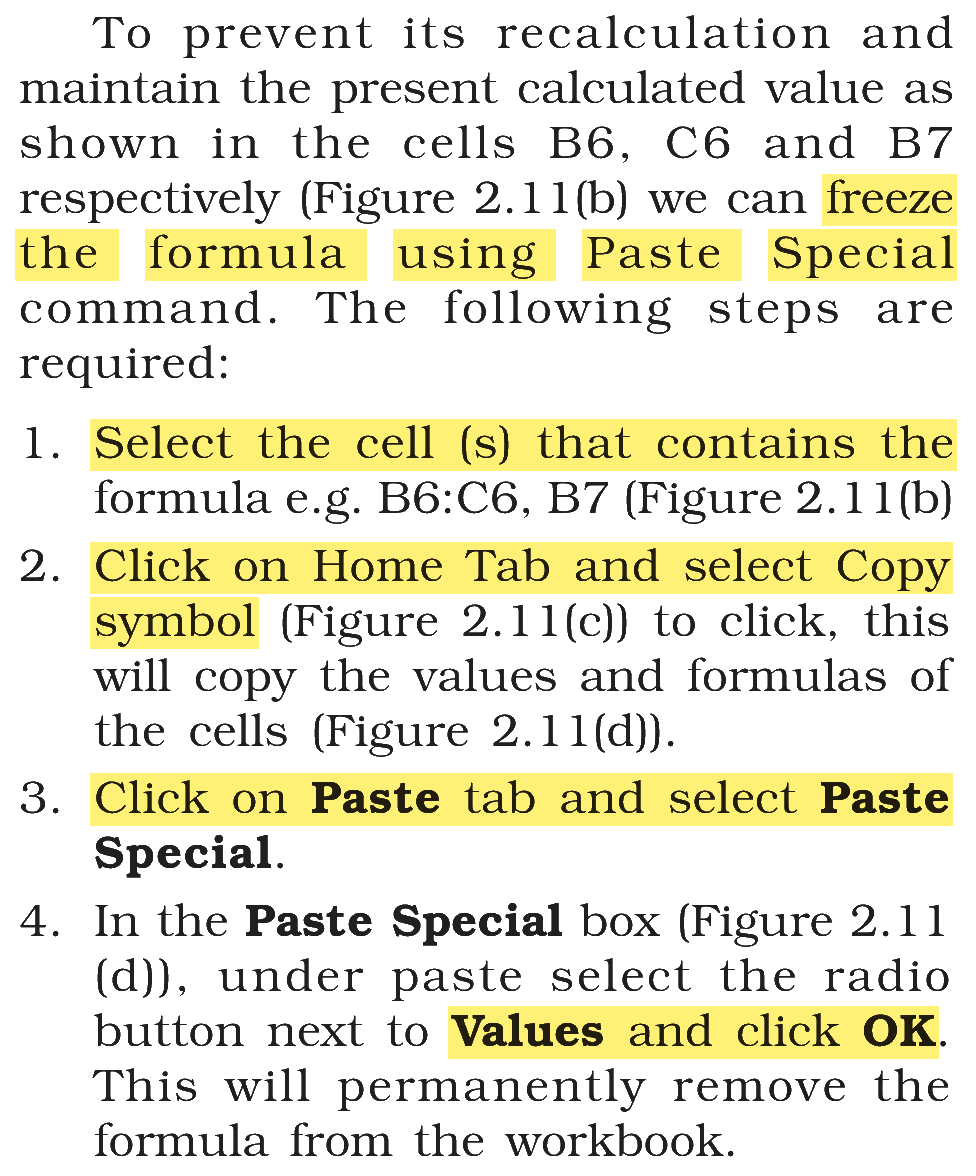
Arrange the following steps related to freezing the formula using paste special command in logical sequence
(A) Click on Home Tab and select Copy symbol
(B) In the Paste Special box, under paste select the radio button next to Values and click OK
(C) Select the cell (s) that contains the formula
(D) Click on Paste tab and select Paste Special
Choose the correct sequence from the options given below:
Answer & explanation
Correct answer: option 1
The correct answer is Option (1) → (C), (A), (D), (B)
To freeze a formula, its result is copied and pasted back as a plain value, in this order.
(C) Select the cell (s) that contains the formula — first: choose what is to be frozen.
(A) Click on Home Tab and select Copy symbol — next: copy the cells.
(D) Click on Paste tab and select Paste Special — then: open the Paste Special box.
(B) In the Paste Special box, under paste select the radio button next to Values and click OK — last: paste only the values, which removes the formula.
NCERT (2026-27 edition):
|