What would be the syntax for "IF" Function to get a result of Pass or Fail if Passing criteria is 40% and above. Further percentage of marks is available in Cell A1?
Answer & explanation
Correct answer: option 1
The correct answer is Option (1) → =IF(A1>=40%, "PASS", "FAIL")
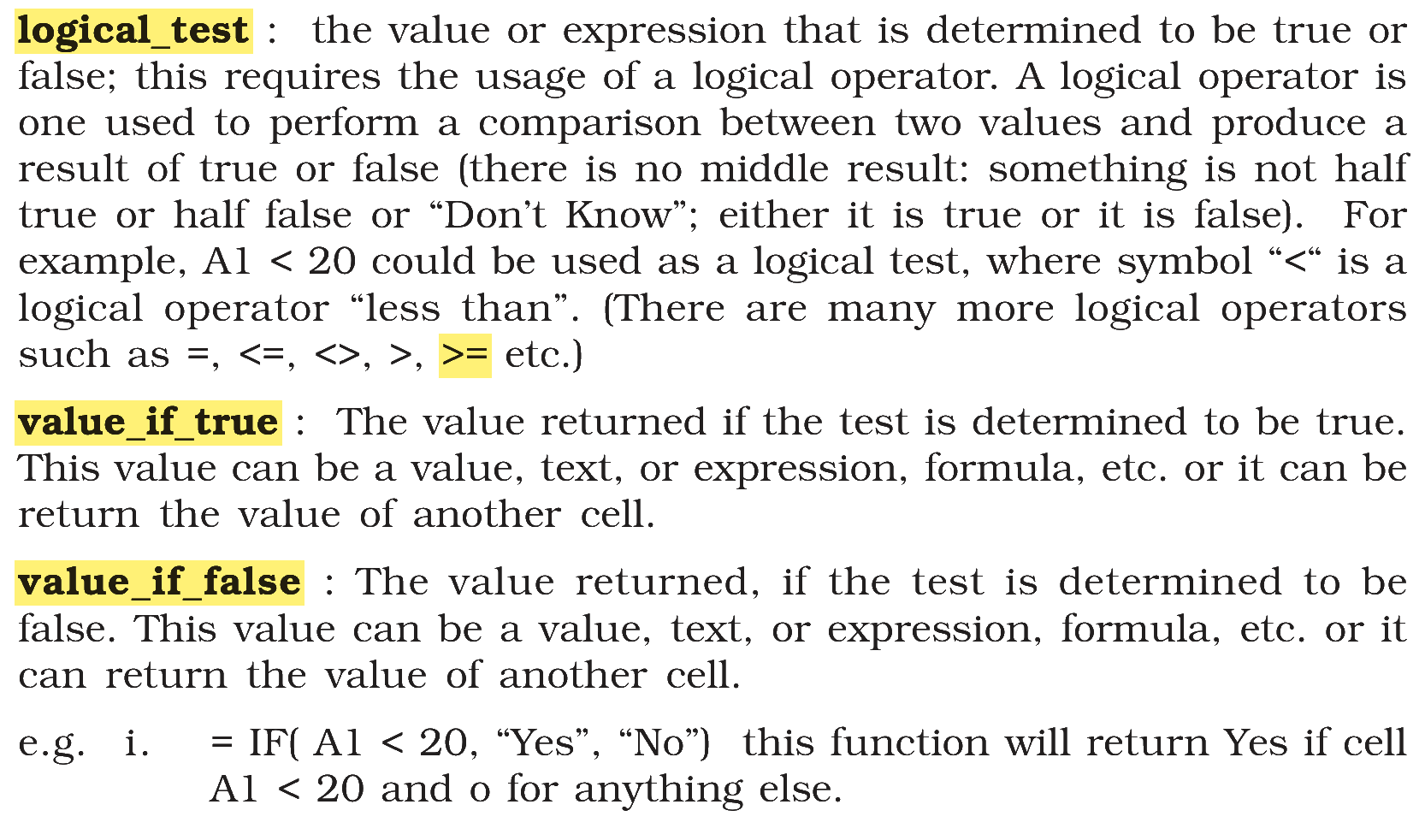
The IF function checks a condition and returns one value when the condition is true and another when it is false. Its format is IF(logical_test, value_if_true, value_if_false), and the logical test uses an operator such as >=, < or =.
Here the student passes at 40% and above, so the test is A1>=40%. When the test is true the result must be "PASS", so "PASS" goes in the second place and "FAIL" in the third.
Why the other options are incorrect
Option (2) =IF(A1<40,"PASS", "FAIL") — Incorrect. It returns "PASS" when the marks are below 40, which reverses the result.
Option (3) =IF(A1>=40, "FAIL","PASS") — Incorrect. The test is right in direction, but the two values are swapped, so a student with 40% or more is shown as "FAIL".
Option (4) =IF(A1=40,"PASS", "FAIL") — Incorrect. The operator = checks only one value, so a student with 75% would be shown as "FAIL".
NCERT (2026-27 edition):
|